
Hand off the hassle.




Say what you need done.See what it really takes.The iPhone planner for your errands and your whole day.
1Talk 2Errands 3Runway 4Places Scroll to set offA quick stop is never just the drive. Maps count the road. Your day also has parking, the walk in, your time inside, and getting ready before any of it. You’ve been adding that up in your head. Now say it to Hassley: one errand gets the real number, and a whole day shows you whether it fits, before you leave.
Private beta invitations aren’t open yet. iPhone on iOS 26 or newer · driving plans · no account.

Say it or type it. It asks only what’s missing.

One stop, honestly timed.
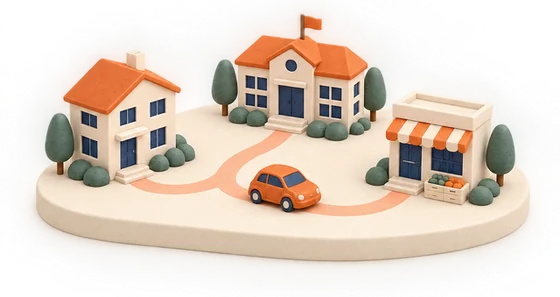
Your whole day, laid out in order.

The places you go, ready for next time.
Oh, by the way: the buildings change with the time of day, and their lights come on after dark. You’ll see.
Say it once.Hassley asks the rest.
Tap the H and say what you need to do, or type it. Hassley works out what’s missing and asks only that: which store, which carrier, whether you’re heading home after. You never repeat yourself, and you review it all before anything starts.
Finds where, then asks about the way home.

A package, a carrier, and a place to drop it.

Your time there counts, not just the drive.

No computer voice talking back at you. The mic only runs while you’re talking.
Tap along on the phone, or just watch. Example stores and timing.
 Hassley
A quick stop.Honestly counted.
The map said 12. A quick stop is really 29 minutes, one way.
Say what changed and the number moves. The drive stays the same. Example store and route.
Say it, type it, or tap a suggestion.
Close matches near you. It can’t check hours or stock, and it says so.
It waits in Tasks until you’re ready, or opens directions right away.
An errand stays an errand.
It’s its own task by default. Nothing joins a Runway unless you choose it, and a Runway in progress never blocks another task.
One errand is easy. A whole day is where the sums get hard.Say it the way you’d say it: “Tomorrow I work 8 to 5, then the gym.” Fixed times stay fixed, and the drives, the parking and everything else fit around them.
“Stop at the pharmacy after the gym.” You see what it does to the rest of the day before anything changes.
When it’s time to leave, the next drive is ready. It opens in Apple Maps, and the full plan stays in Hassley.
Parking, the walk in and your time at each stop all count. So the day you see is the day you’ll actually have.
If a stop runs late, it says by how much, so you can change it before the evening gets away from you.
From waking up to getting home, one Runway you can see before you leave the house.
Got more than one thing?That’s a Runway.
A Runway is your whole day in one line, from waking up to getting home. Say it all at once. Hassley lays it out with the drives, the parking and your time at each stop, so you know if it fits before you’ve left the house.
Example day, with saved example places.
When do you really have to get up?
Inside and ready for work by 8:00 AM means working backward through everything before it. Hassley does the sums.
{{ rwNote }}
Point at a step to see it. Example day.
It doesn’t set an alarm, start tracking or replace an active Runway.
Your places.In the day’s light.
Home, work, the store you always use. Save them once and they’re ready for your next plan. Each one comes in morning, evening and night versions, with lights inside and out after dark.




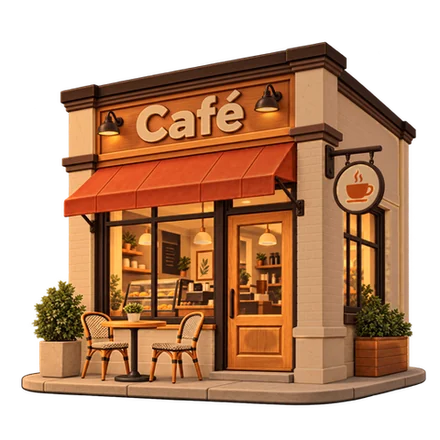
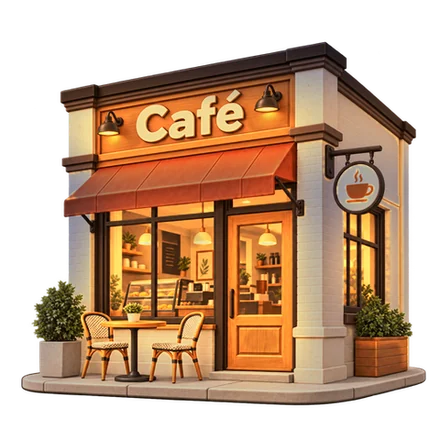





A lit window never means a business is open.
Your trip opens from a place you know, like Home or Work, lit for the time of day.
Your places, tasks, days and trips, kept together.
Find coffee, groceries and everyday stops around a place you’ve saved.
Saved addresses

Errands for later
Days you’ve planned
Routes to use again
A map, a calendar and an alarm.Each answers part of it.
You’ve been putting the rest together in your head. Hassley puts it in one order.
| A map | A calendar | An alarm | Hassley | |
|---|---|---|---|---|
| The drive time | Yes | – | – | Yes |
| Times you can’t move | – | Yes | – | Yes |
| Parking and your time inside | – | – | – | Yes |
| When to wake and when to leave | – | – | You work it out | Yes |
| All of it in one order | – | – | – | Yes |
Honest aboutwhat it can’t know.
An app that plans your day should be plain about what it knows. When Hassley can’t check something, it tells you.
“These may carry bacon, but I can’t check stock or hours.”
“Distances are straight-line.”
“Parking availability and prices aren’t verified.”
No account to make. Your plans live on your phone.
Searching for a store shares only the area and the kind of store.
It doesn’t follow you around. Your location is used only when you ask it to check a trip.
Nothing starts until you review it.
An alarm only counts as set once your iPhone confirms it, and editing a plan never quietly sets a new one.
“Route preview—not live navigation.”
A fewquick answers.
Does every errand become a Runway?
No. A single errand is its own task. Nothing joins a Runway unless you choose it, and an active Runway never blocks another task or another saved Runway.
Does Hassley talk back?
No. You can speak or type, and replies appear as text.
Is Hassley an AI?
No. It follows fixed rules right on your iPhone. If it can’t place a word, it leaves it for you to fix rather than guessing.
Does a lit window mean a place is open?
No. The lighting is decoration that follows the time of day.
Can I use my favorite maps app?
Apple Maps is supported today. Google Maps and Waze aren’t available yet.
Transit, biking or walking?
Not yet. Hassley plans driving trips for now.